
diados
Extension of the Day

diados

5.0 FREE
  • Screenshot 1

Description

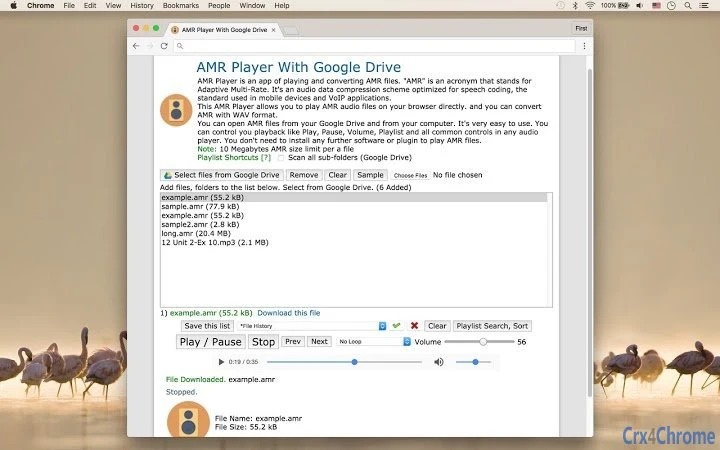
AMR Player is an app of playing and converting AMR files."AMR" is an acronym that stands for Adaptive Multi-Rate. It's an audio data compression scheme optimized for speech coding, the standard used in mobile devices and VoIP applications.This AMR Player allows you to play AMR, AMR-NB, 3GA, MP3, WAV audio files on your browser directly. and you can convert AMR with WAV format.You can open AMR files from your Google Drive and from your computer.It's very easy to use. You can control you playback like Play, Pause, Volume, Playlist and all common controls in any audio player. You don't need to install any further software or plugin to play AMR files.Supports Chrome, Firefox, Safari, Edge.

Guides & Tutorials for AMR Player With Google Drive App for Chrome

How to install AMR Player With Google Drive App for Chrome
  1. Click the Preview / Download button above.
  2. Once redirected, accept the terms and click Install.
  3. Wait for the AMR Player With Google Drive App for Chrome download to finish on your device.
How to use AMR Player With Google Drive App for Chrome

This software is primarily used for its core features described above. Open the app after installation to explore its capabilities.

User Reviews for AMR Player With Google Drive App for Chrome 0

    No reviews found

Similar Apps


